Hooks & the trust model
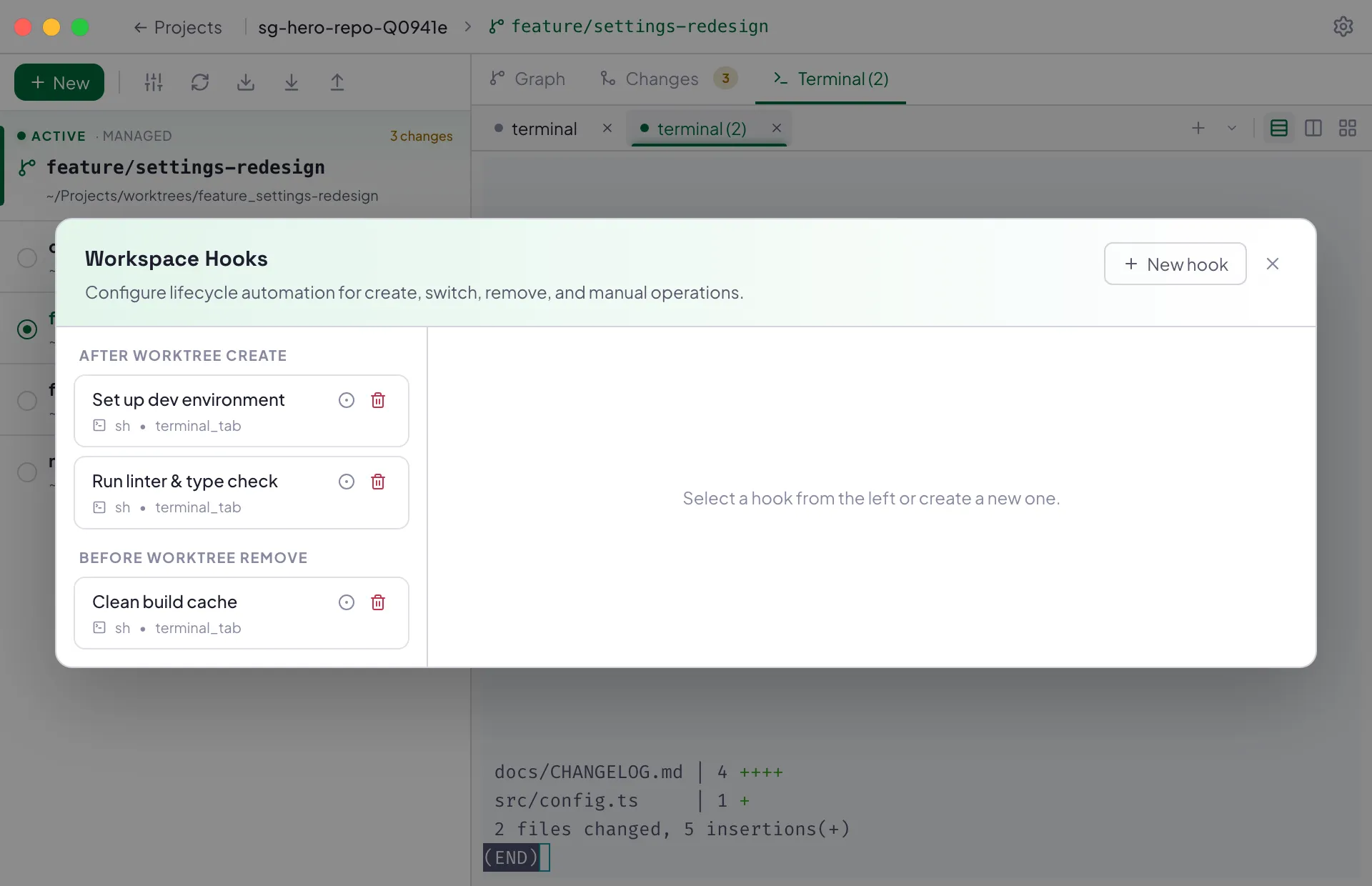
A hook is a shell script SproutGit runs automatically at a point in a worktree’s lifecycle — after creating one, before removing one, when switching into or out of one, and so on. Hooks are useful for anything you’d otherwise do by hand every time: installing dependencies, running a linter, starting a dev server, cleaning up build artifacts.
Two sources, one shape
Section titled “Two sources, one shape”Local and repo hooks are stored the same way — a JSON file of hook definitions — just in different files with different write and trust policies:
| Local hooks | Repo hooks | |
|---|---|---|
| File | <workspace>/.sproutgit/local-hooks.json |
<worktree>/sproutgit.hooks.json |
| Tracked by git? | No — private to this machine | Yes — travels with clone/pull |
| Editable from | The app’s Workspace Hooks UI | Only by editing the file and committing |
| Shown in the UI with | — | A “repo” badge and a lock icon |
| Trust | Always trusted | Must be trusted per hook before it runs |
Hooks are identified by name within their own file, and a hook’s dependency
list (dependsOn, for ordering) can only reference other hooks in that same
file — a local hook can’t depend on a repo hook or vice versa.
Why repo hooks need trust
Section titled “Why repo hooks need trust”A repo hook arrives on your machine however the repo’s contents arrive —
git clone, git pull, checking out a branch someone else pushed. If
SproutGit ran repo-shipped scripts automatically, cloning a malicious repo
would be enough to execute arbitrary code on your machine. So:
- Repo hooks are surfaced in the UI but do not run until you explicitly trust them.
- Trust is tracked per hook, not per file — trusting one hook doesn’t trust the rest, and editing or adding a new hook to the file doesn’t invalidate trust you already gave the others. Each hook’s trust is keyed to a hash of that hook’s own content, so if someone changes a trusted hook’s script, it reverts to untrusted and you’re asked again.
- Local hooks skip this entirely — nothing external ever wrote them, so there’s nothing to trust.
When hooks run
Section titled “When hooks run”Each hook has a trigger — before/after paired with
worktree_create, worktree_remove, or worktree_switch — plus a manual
trigger you can run on demand. Local and repo hooks that match the same
trigger all run together; nothing is deduplicated between the two sources.
Where a hook runs
Section titled “Where a hook runs”A hook’s execution target decides which worktree’s directory it runs in:
- Trigger worktree — the worktree the trigger fired for (e.g. the one just created).
- Initiating worktree — the worktree you were in before the action (relevant for switch hooks — there’s no “initiating” worktree for a create/remove that didn’t originate from switching).
- Workspace root — the workspace folder itself, not any particular worktree.
Auditing what ran
Section titled “Auditing what ran”Every hook run — which hook, which worktree, exit status — is recorded in
the workspace’s state.db audit log, so you can see what actually executed
and when, not just what’s configured to run.
See Writing hooks for how to author one.